 Skintonic
Skintonic
Skintonic
Personal color analysis
One photo. 30 seconds. No account. Nobody has to know.
Free season + color preview · Full palette $9 once · No subscription
Your photo stays on your phone
Questions?
The season and color preview are free. The full palette is $9.
Yes. $9 once — no subscription, no hidden fees.
All 25 colors grouped by how to wear them, the shades to avoid and why, your best metal, your signature color, the outfit builder, and the whole thing as a PDF.
No. Your photo is analyzed right on your device and never sent to our servers.
See our refund policy.
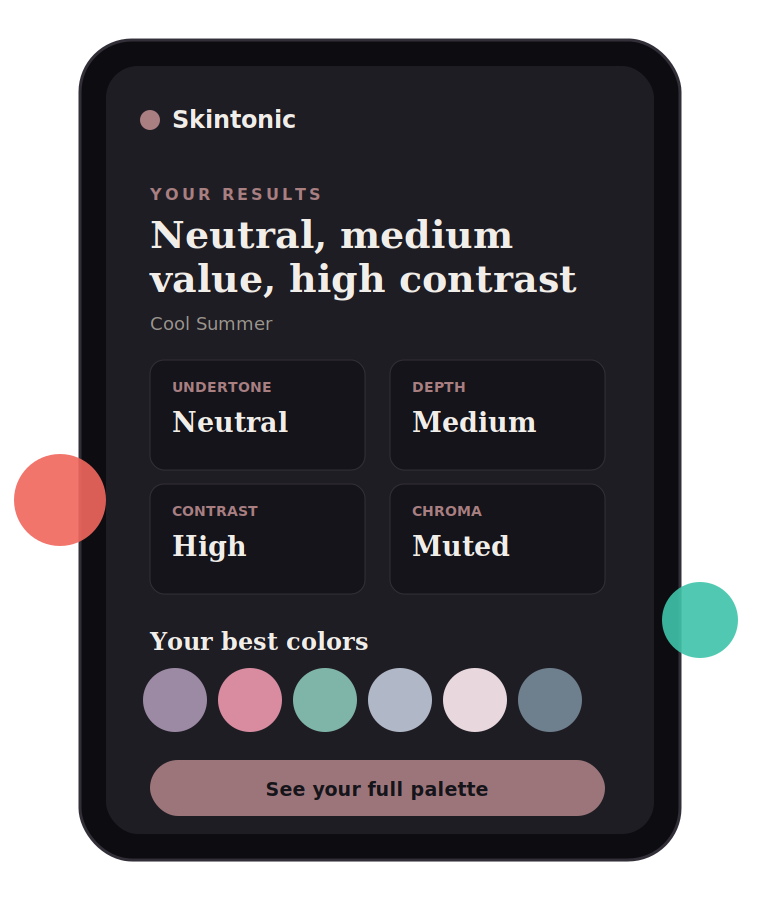
Color analysis works out which colors suit your natural coloring by measuring four things: your skin's undertone (warm or cool), your overall depth (light or deep), the contrast between your hair and your face, and whether your coloring reads clear or muted. Those four place you in one of twelve seasons, and each season comes with a palette.
It is not a personality quiz and it is not about what you like. It is about what light does when it bounces off a color next to your face — which is why the same gray shirt can look sharp on one person and tired on another.
Skintonic reads those four factors from one photo, in your browser. Nothing is uploaded, there is no account, and your season is free. The full palette, the shades to avoid, your best metal and the outfit builder are $9 once.
Your season and a preview of your palette are free. The full report — all 25 colors, the shades to avoid, your best metal, the outfit builder and a PDF — is $9 once, with no subscription and no account.
No. The photo is read in your browser and never leaves your device. You can also skip the photo entirely and pick from swatches instead.
Yes. The method measures skin, hair and eyes, which works the same for everybody. There is a guide written specifically for men at Color analysis for men.
About 30 seconds. One photo in daylight, or a few taps on the swatch picker if you would rather not use a photo at all.
Twelve. The four classic seasons are each split three ways by depth, warmth and clarity. You can read all twelve at the seasons index.
Lighting is almost always the cause. Warm indoor light shifts skin color more than the entire warm-to-cool scale, so the tool warns you when a photo looks too warm or too dim. Retake it facing a window in daylight and run it again.